
Give Any Object a Digital History — now smarter with AI.
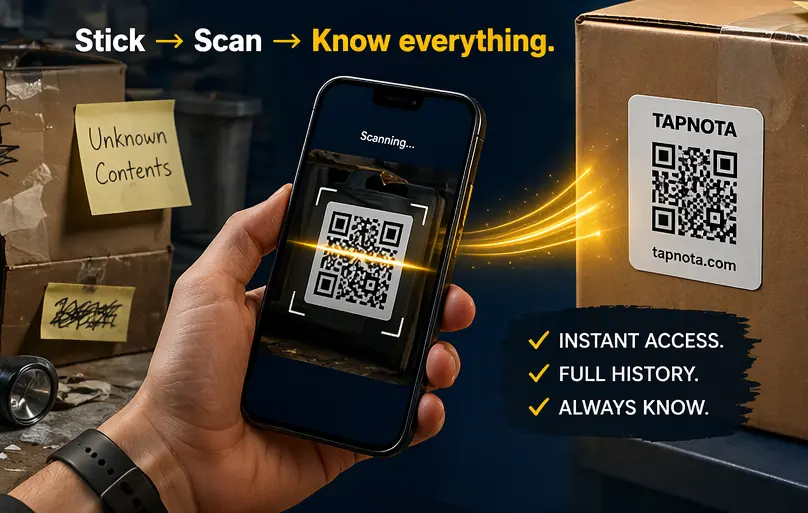
Stick → Scan → Know everything. Open a live item page instantly and keep notes, photos, history, ownership, and status tied to the object itself. Snap a photo and TapNota AI can identify the items for you. Invite family or team members to help manage the same account with their own login. No app required.
TapNota Smart QR Labels are now available on Amazon.
Choose original 2" × 2" QR labels or compact TapNota Minis measuring 1" × 1". Organize storage bins, moving boxes, tools, supplies, home inventory and everyday items.

60 Pack QR Labels
A practical starter pack for storage bins, moving boxes and home inventory projects.
Buy on Amazon →
100 Pack QR Labels
Ideal for larger home organization projects, garages, offices and moving.
Buy on Amazon →
200 Pack QR Labels
Best for large storage spaces, inventory systems, businesses and bulk labeling.
Buy on Amazon →
63 Pack Minis
Compact QR labels for drawers, folders, tools, small containers and tight spaces.
Buy on Amazon →
126 Pack Minis
More Mini labels for organizing small bins, containers, gear, supplies and workspaces.
Buy on Amazon →
252 Pack Minis
A bulk Mini pack for detailed home inventory, office supplies, workshops and small businesses.
Buy on Amazon →From physical label to searchable digital Item Page.
TapNota connects your storage bins, moving boxes, tools, equipment, supplies, and other belongings to information you can access from your phone or computer.

Scan one label to activate the entire pack.
Open your phone’s camera and scan any TapNota label in the pack. Enter and verify your email address, and the complete pack will be connected to your TapNota account.
- You only activate the pack once.
- You do not activate every label separately.
- Additional packs can be added to the same account.

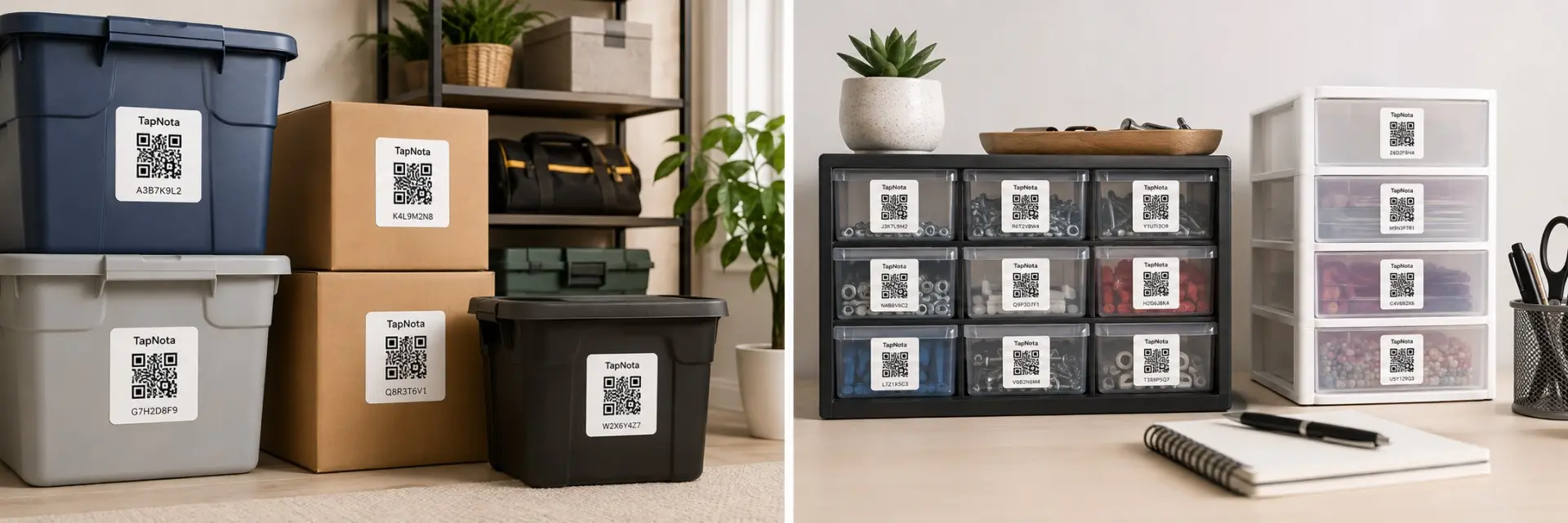
Pictured: TapNota Minis (1" × 1"). Original 2" × 2" labels are also available.
Attach a QR label to nearly anything.
Place a TapNota label on a storage bin, moving box, tool, piece of equipment, container, supply shelf, document box, or other item you want to organize.
- Each QR label connects to its own Item Page.
- The same physical label stays with the item.
- Use full-size labels or TapNota Minis for smaller objects.

Scan the label and record what matters.
Scan the attached label to open its Item Page. Add information from your phone, tablet, or computer and update it whenever something changes.
- Item names, descriptions, and box contents
- Notes, photos, instructions, and important records
- Serial numbers, model numbers, repairs, and service history

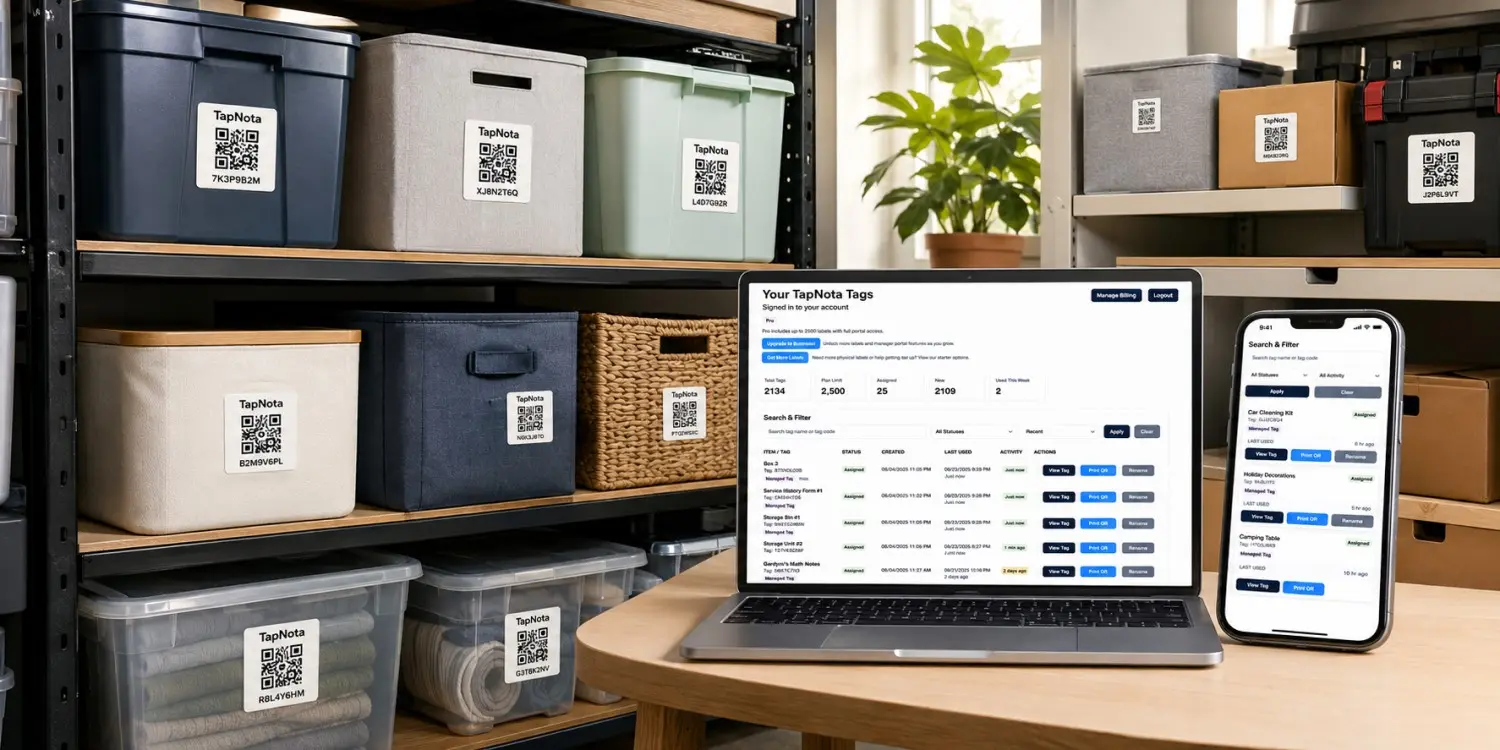
Search your Portal instead of searching every box.
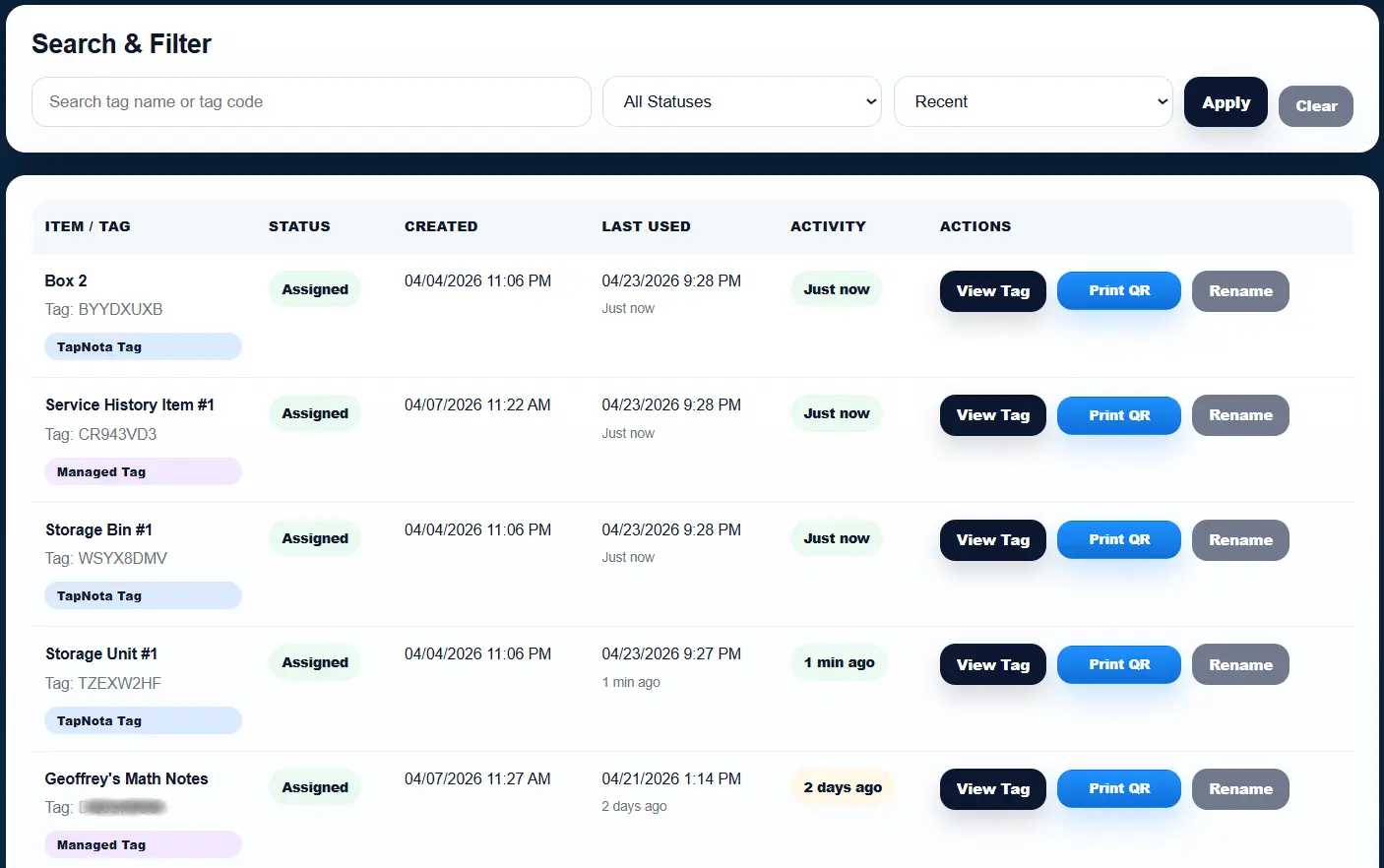
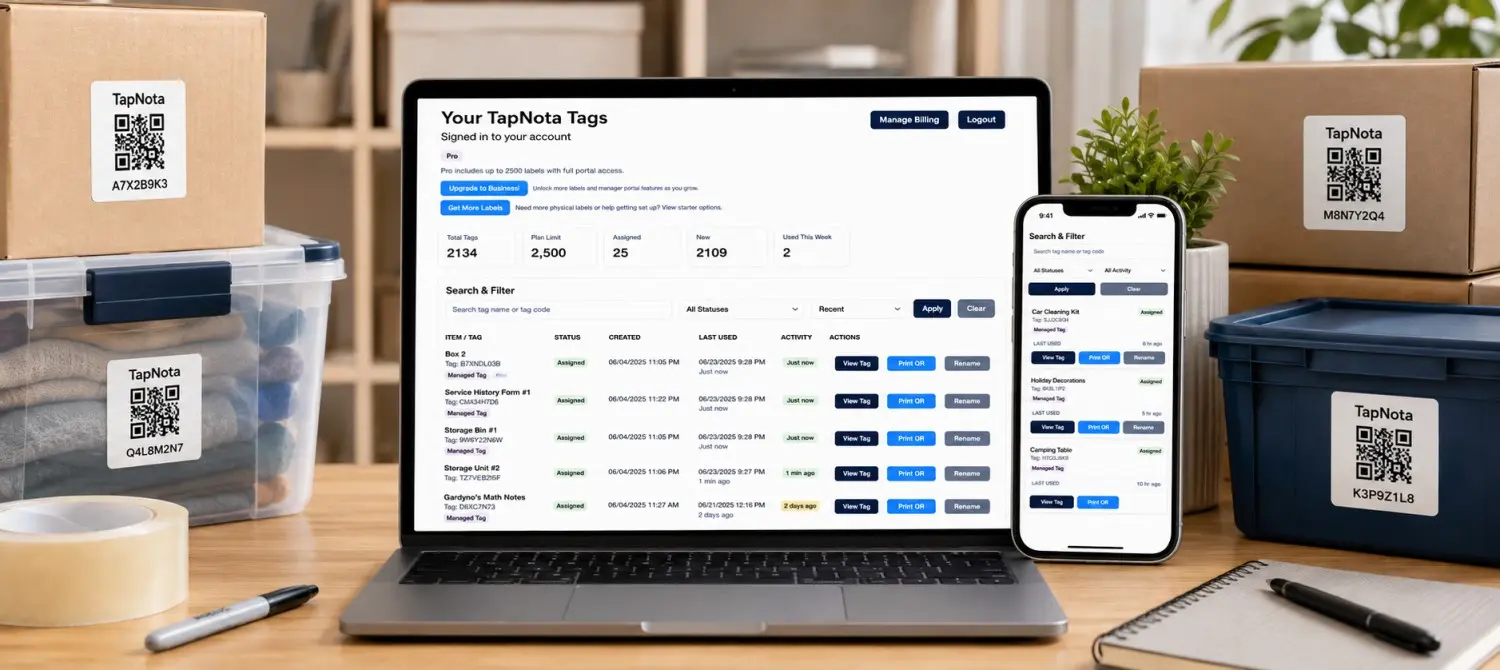
Your private TapNota Portal brings all of your Item Pages together. Search from your phone or computer to find an item even when you do not have the physical QR label in front of you.
- Search item names, notes, contents, codes, and details.
- Organize Item Pages into searchable folders.
- Update, share, print, or reprint active QR labels.
Activate. Label. Add details. Find it later.
Turn ordinary objects and containers into organized, searchable digital records with TapNota Smart QR Labels.
One system. Endless ways to use it.
TapNota helps homeowners, businesses, organizers and collectors identify, manage and find real-world items with smart QR labels and one searchable portal.
Know what is inside every box.
Label boxes, bins, totes and containers so you can search their contents without opening and digging through everything.
Explore moving labels →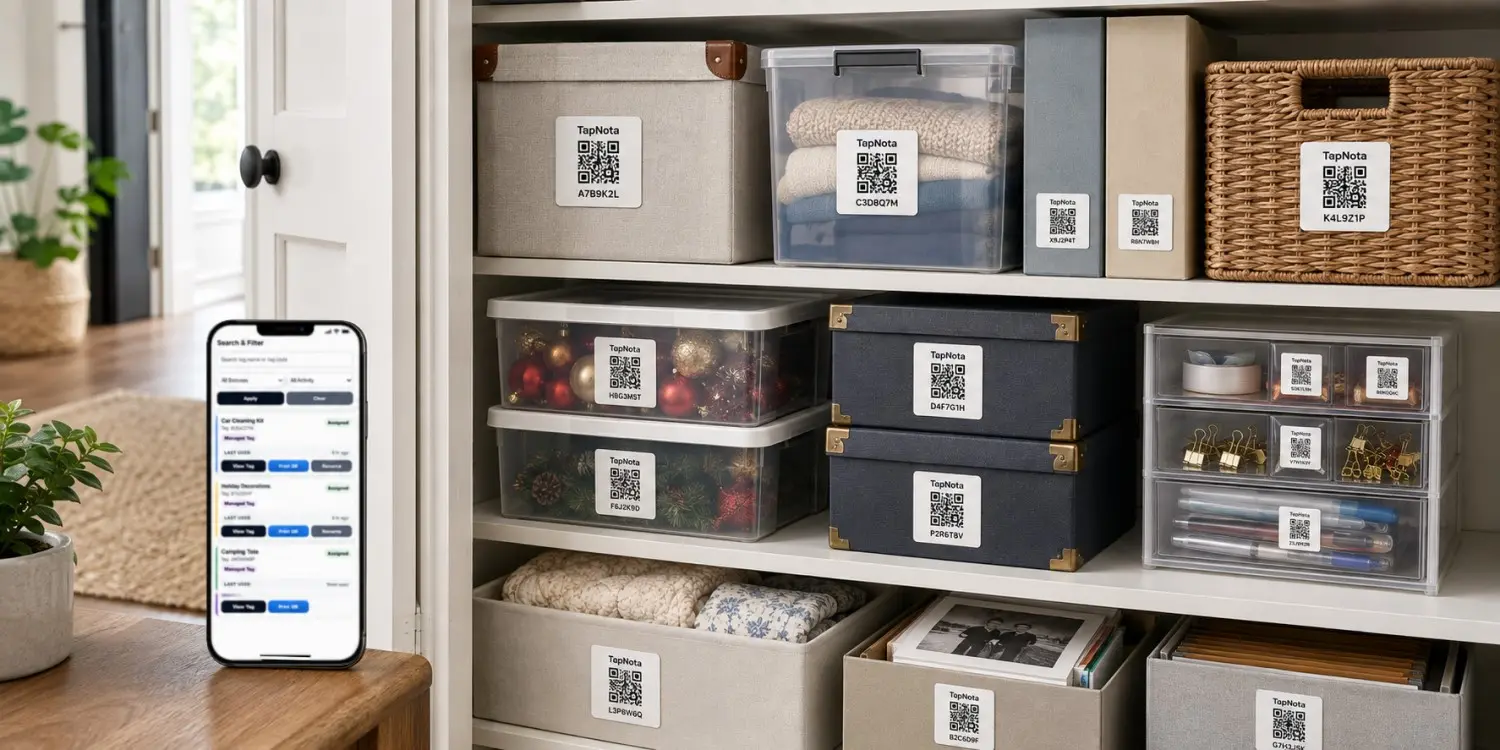
Create a searchable home inventory.
Organize garage items, closet storage, holiday decorations, keepsakes and household supplies from one convenient portal.
Explore home inventory →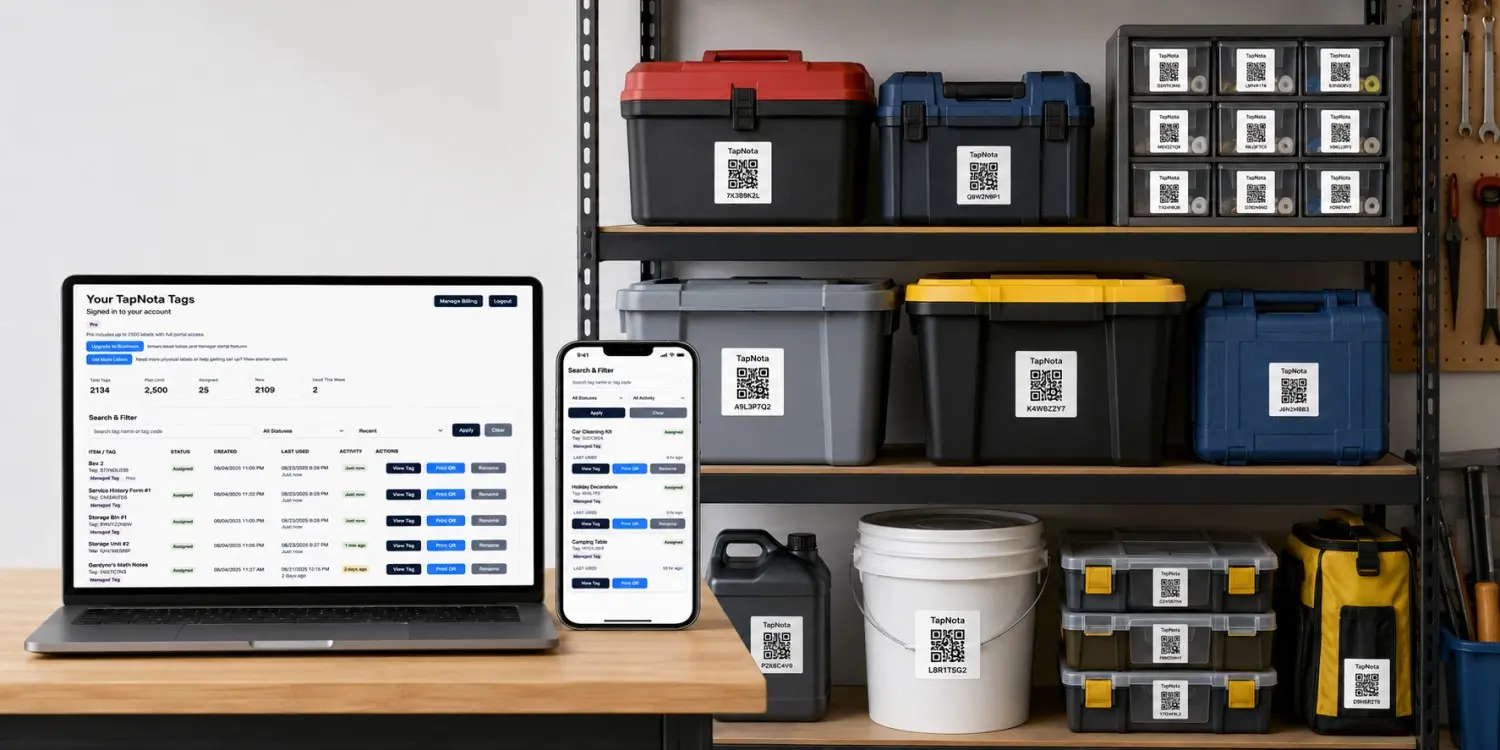
Track supplies, inventory and shared items.
Keep searchable records for business inventory, office equipment, rental items, supplies and operational assets.
Explore business labels →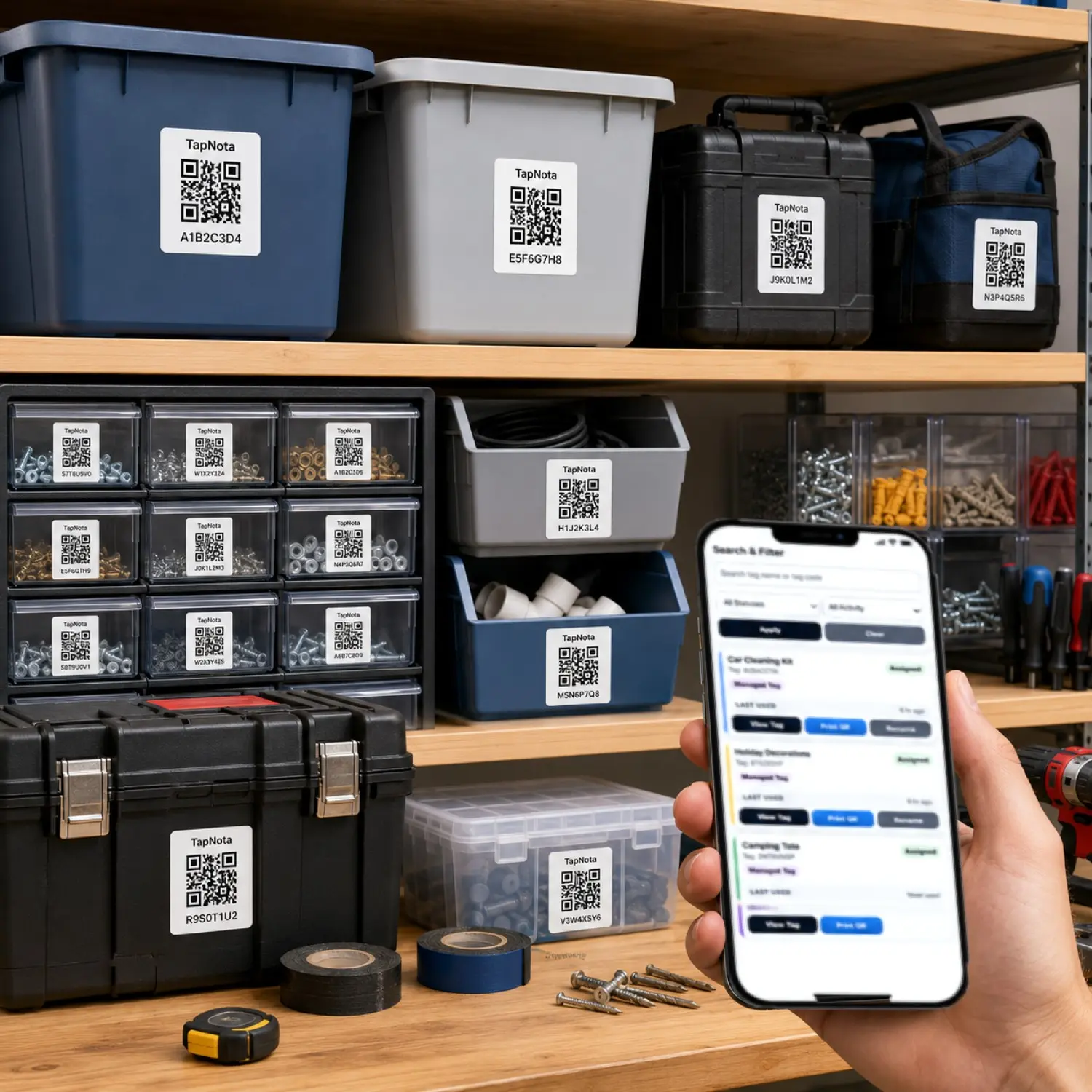
Keep equipment details with the equipment.
Connect tools, machines and equipment to notes, photos, identification details, service records and status information.
Explore tool organization →Simple to use. Powerful where it matters.
TapNota keeps organization simple while giving every labeled item a useful digital record you can search, update and access later.
Activity Timeline
Keep a running history of item updates, changes, notes and activity so important details stay connected to the object.
Private or Shared
Keep an Item Page private, create a shareable link or add PIN protection when you need more control.
Photos and Notes
Add photos, descriptions, contents and notes so every QR label connects to information that is genuinely useful.
Searchable Portal
Search item names, locations, notes and tag codes from your phone or computer without scanning every label.
Instant Pack Setup
Scan one label, verify your email and activate the entire pack. You do not need to activate every label separately.
Built to Expand
Start with a few labels and grow into a larger system for storage, moving, tools, inventory, equipment and business supplies.
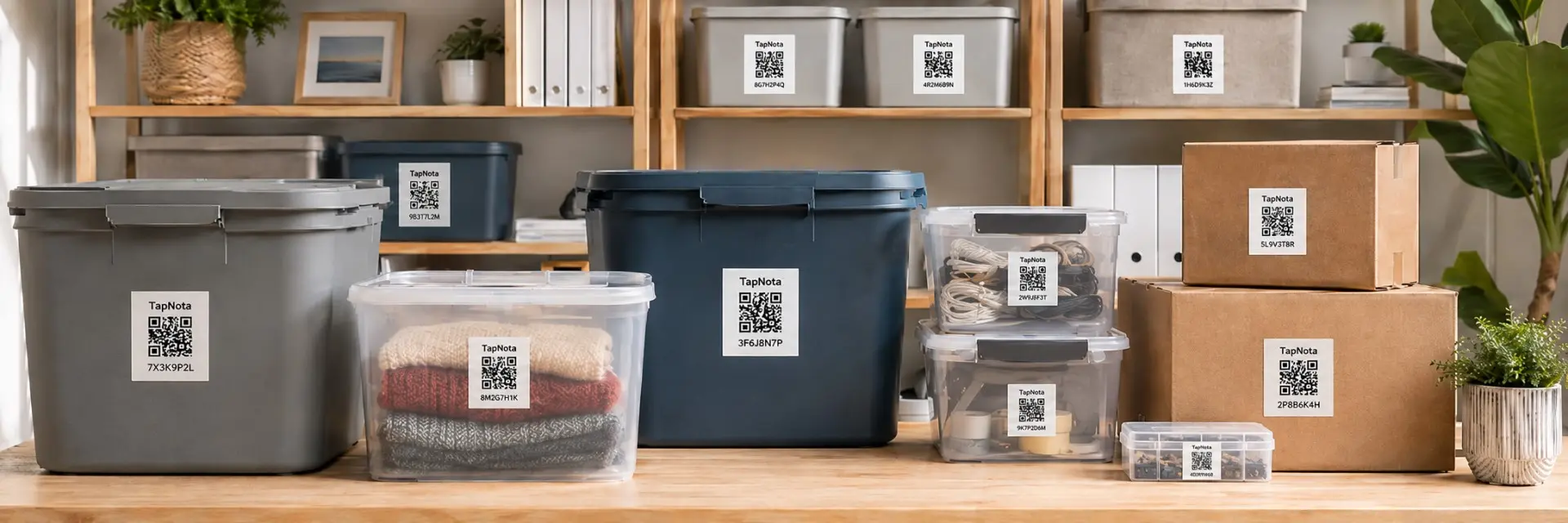
Start with a TapNota smart QR label.
Attach a TapNota label to a storage bin, moving box, tool, drawer, container, piece of equipment or other item. Each label connects that physical object to its own digital Item Page, where you can add useful details and find the item again later.
Designed for storage bins, moving boxes, totes, equipment cases and other larger surfaces.
Compact labels for drawers, folders, tools, organizers, small containers and tighter spaces.
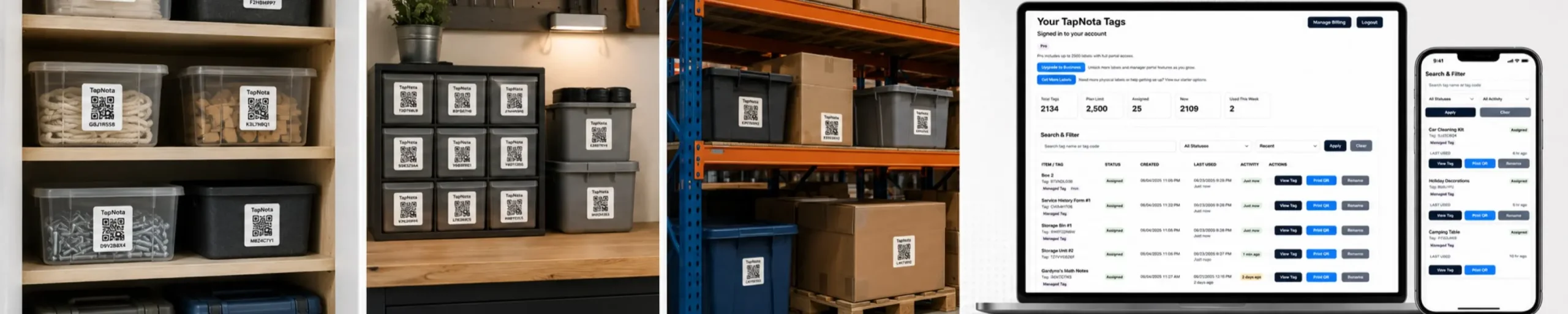
Turn your storage, inventory and everyday items into searchable digital records.
Attach a TapNota smart QR label, add the details that matter and find your items later from your phone or computer. No app required.